
How do I add a funnel to a subpage of my domain?
From the website builder, click on Websites & Funnels.

Hover your mouse over the funnel that you wish to add as a subpage to your site, and click on the Settings wheel.

Click on Move To Website In This Project.
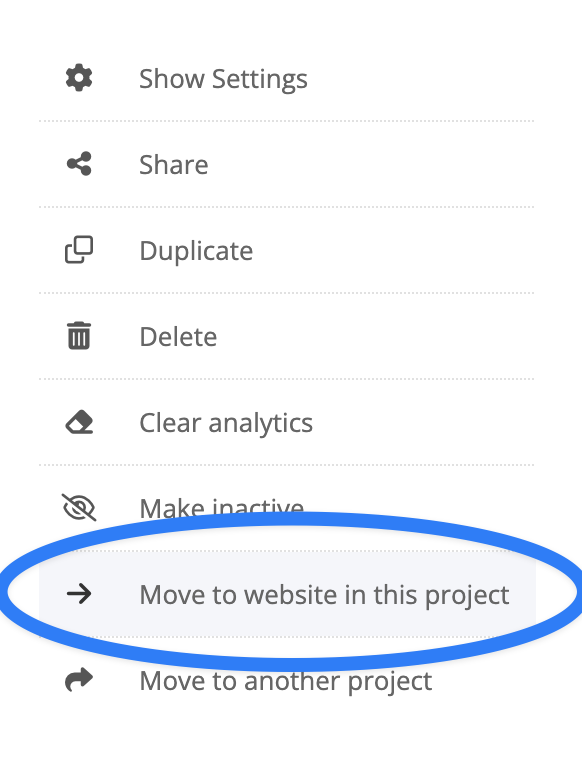
Select which website you would like to add this funnel to.

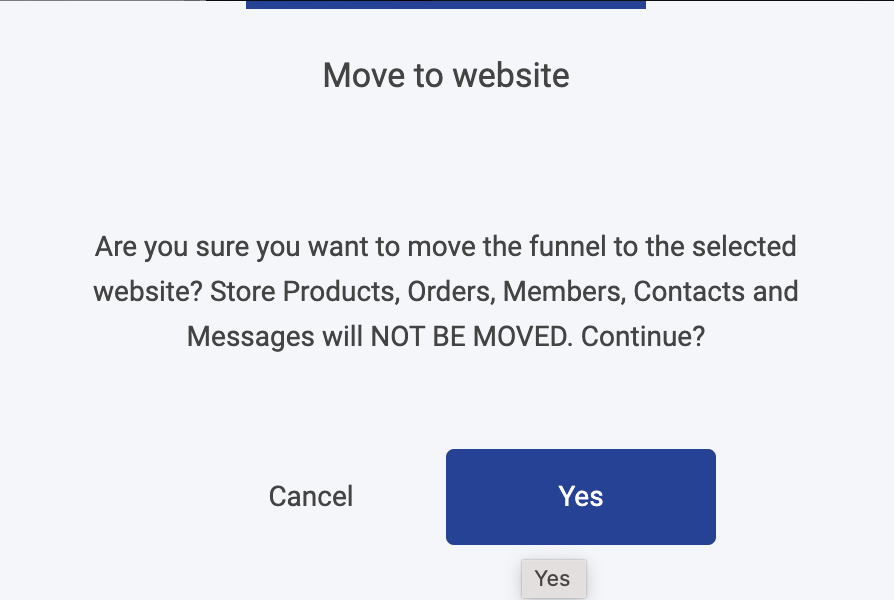
A pop-up will appear to double check that you want to move the funnel into your site. Click Yes.
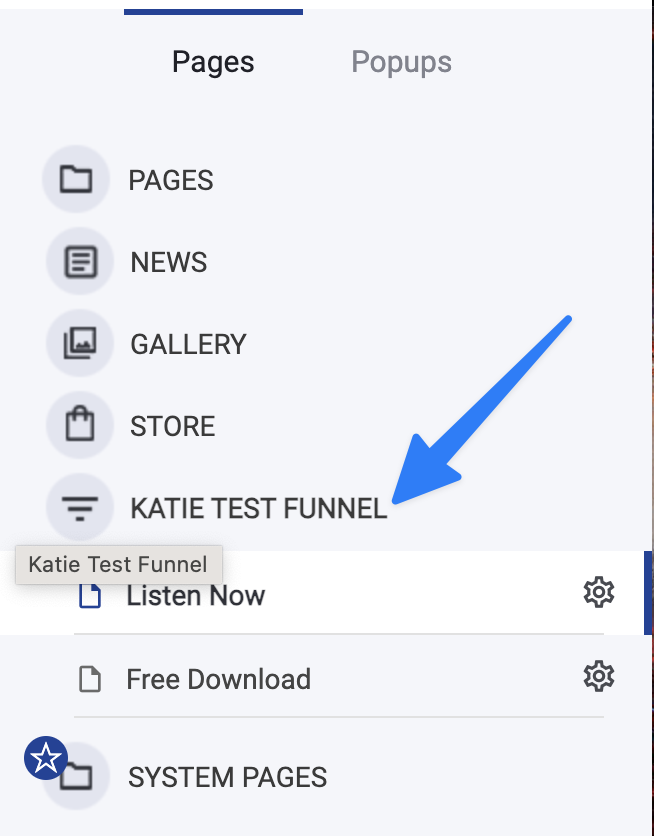
Navigate back to your website builder and click on the Pages button in the left-hand menu.

You will now see your funnel as a subpage on your domain.
View video version of instructions here: https://drive.google.com/file/d/1WjQ1DRytD0IByeuAfz6nXI_cTT2SyIYh/view?usp=drive_link